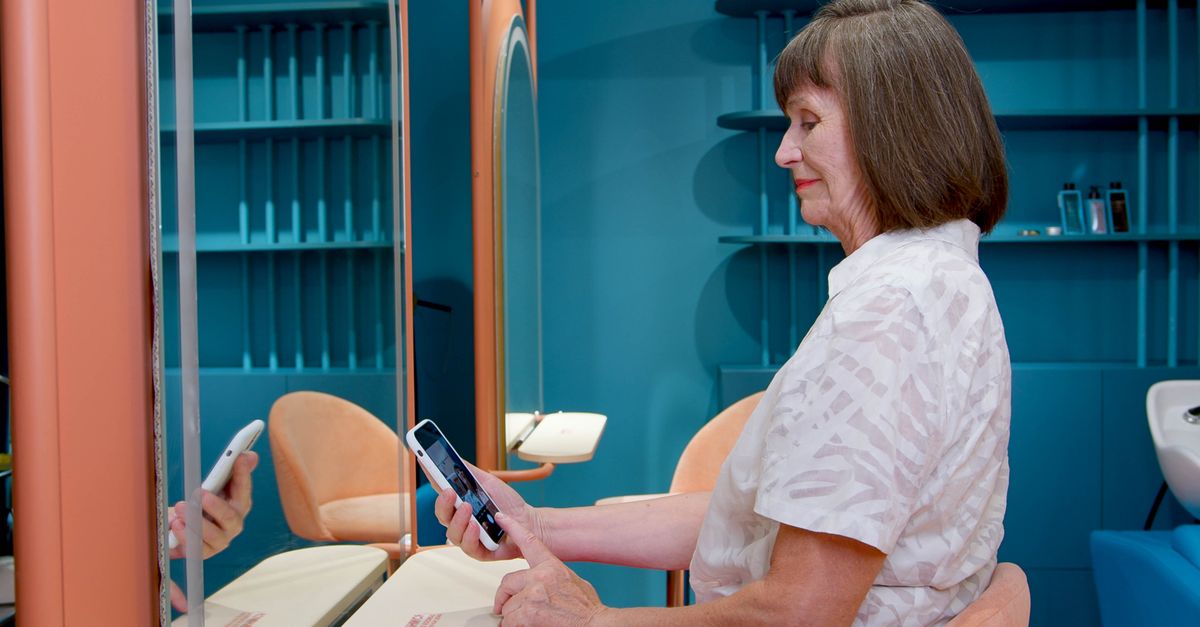
Someone who has just moved to your neighbourhood types "hair salon near me" into their phone. Two salons come up. One has fresh photos, accurate opening hours and dozens of reviews written in the past few weeks. The other shows a dim shopfront photo from three years ago, Sunday hours marked "open" when the doors are actually shut, and a single harsh review nobody ever answered. However good your work is, that client usually makes the decision before setting foot in your salon.
Your Google Business Profile is your shop window online, and keeping it in shape takes less time than most owners expect. Here is how to complete it, earn reviews, handle criticism and become more visible locally.
Setting up a complete profile: first impressions start here
Category
Your primary category is one of the most important choices you make, because it shapes which searches Google shows you for. If most of your work is hair, choose "Hair salon"; for men's grooming, "Barber shop"; for skin and body treatments, "Beauty salon" or "Skin care clinic". Add the services you genuinely offer, such as nails, waxing or make-up, as secondary categories.
Opening hours
Wrong hours are the easiest negative review to prevent. Alongside your regular schedule, add special hours for public holidays, New Year and any refurbishment closures. If you already define opening hours per location in your salon software, check your Google hours against the same source.
Photos
Photos let clients see your salon before they visit. Aim for this set:
- The exterior, sign and entrance, so people can find you on the street
- The interior and styling stations in daylight, tidy and ready
- A team photo or stylists at work
- Client results shared with permission: colour, cuts, nails, make-up
- The waiting area, wash stations and the products you use
Services and description
Fill the services list with the words clients actually search for: "Haircut", "Balayage", "Keratin treatment", "Gel manicure". Adding price ranges and durations cuts down on phone calls asking the same questions. In the business description, explain who you are, what you specialise in and which part of town you are in, in plain language.
When and how to ask for reviews
Most happy clients never write a review. It simply does not occur to them, or nobody asked. Unhappy clients, on the other hand, often write one unprompted. The only way to correct that imbalance is to ask satisfied clients, regularly and politely.
The right moment
The best time is when the client looks in the mirror and loves the result: at checkout, or that same evening. A message sent a week later has far less pull, because the excitement has faded. Give your team one simple line: "If you're happy with it, a few words on Google would really help us. Shall I send the link to your phone?"
Knowing whom to ask
This is where client data earns its keep. In sysSalon, each client card holds contact details, visit history, client status and notes in one place. That makes it easy to spot, for example, clients who have visited three times in the last two months, those you have marked as VIP, or those whose notes say "loved the result". Once you have sent a request, add a "review requested" note to the card so you never ask the same person twice. That said, make asking a habit with everyone you serve rather than cherry-picking; consistency is healthier than being selective.
A quick calculation: say a salon sees 20 clients a day, six days a week. That is 120 visits a week. If 30 of those clients receive a review request and a quarter of them follow through, that is 7 to 8 new reviews a week, or roughly 30 a month.
Tip: Copy the "Ask for reviews" link from your profile and display it as a QR code next to the till. Keep your message short: "Hi Sarah, thanks for choosing us today. We'd love it if you could share your experience in a few words: [link]"
What not to do
- Do not offer discounts, gifts or free services in exchange for reviews. Google's policies do not allow it and your reviews may be removed.
- Do not let staff, relatives or friends post fake reviews.
Responding professionally to a negative review
A one-star review stings, but a well-written reply can reassure new clients just as much as your positive reviews do.
- Don't reply straight away. Give it a few hours and let the frustration settle.
- Find out what happened. Check the visit history on the client card: which day, which service, which stylist? Talk to your team.
- Thank them and own the experience. A reply that opens with "You're wrong" loses, even when you are right.
- Keep personal details out of it. Never mention the client's treatment, payment or appointment details in a public reply.
- Move the conversation offline. Share a phone number or another direct way to reach you.
- Actually fix the problem. Once it is resolved, the client may update the review on their own; do not ask them to.
A sample reply: "Hi Emma, thank you for your feedback. We're genuinely sorry the result wasn't what you expected. We'd like to look at this together and put it right. Could our salon manager give you a call? You can also reach us directly on [phone number]."
Local search visibility: what you can control
Google states that local results are ranked using broad factors such as relevance, distance and prominence, but it does not publish the details. So be wary of anyone promising that a certain number of reviews will put you at the top. Here is what is in your hands:
- Consistent details: your business name, address and phone number should match exactly on your website, Instagram and directory listings.
- Your real business name: adding keywords such as "Best Hair Salon Downtown" to your name breaks the guidelines and puts your profile at risk.
- Regular updates: new photos, posts and seasonal offers show the profile is active.
- Common questions: answer things like "Is there parking?" or "Do you cut men's hair?" in your description and profile attributes before anyone has to ask.
- A steady flow of reviews: a few new reviews every week looks far more natural than a hundred in one month followed by silence.
Polish your shop window a little every week
A complete profile, reviews requested at the right moment, and calm, solution-focused replies to criticism: these are the three basics that lead a new client to choose you. All of them start with knowing your clients: who came in, when, and which service they loved.
sysSalon keeps that information in one place through client cards, visit history and notes, so you can see in seconds whom to ask for a review. Take a look at the rest on our features page. Start with the free plan today, no credit card required, or request a demo tailored to your salon.
Cover photo: Artem Podrez / Pexels
#Google Business Profile #Online Reviews #Local SEO #Salon Marketing #Reputation