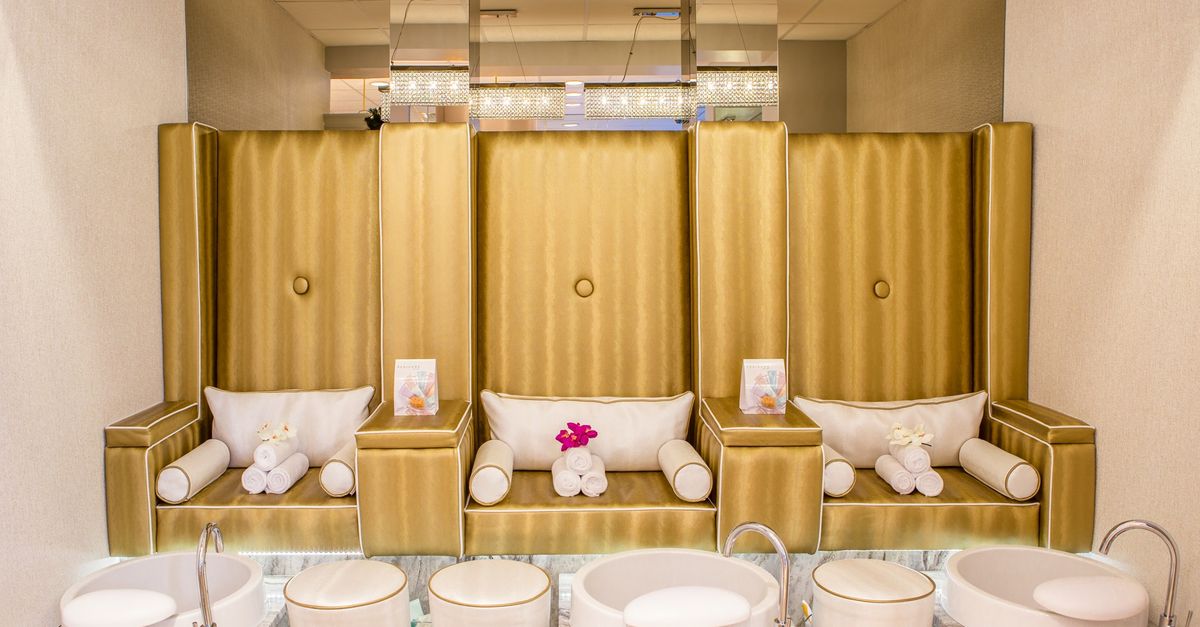
Saturday afternoon, the salon is packed, two clients are waiting on the sofa and the phone keeps ringing. Tuesday morning, two of your three chairs sit empty and the facial room stays dark until lunch. Most owners shrug this off as "just how the week goes". But rent, electricity and wages run on Tuesday morning too. Every hour a room stands empty is inventory you can never sell again.
Below you will find a practical way to measure room and chair utilization, identify your dead hours and shape your calendar so it earns more from the space you already pay for. All you need is a calculator and four weeks of bookings.
How to calculate your utilization rate
Utilization shows how much of a room's or chair's bookable time is actually spent on paid services. The formula is simple:
Utilization rate = Minutes of service delivered ÷ Minutes open × 100
Say your salon is open six days a week, ten hours a day. One chair then has a weekly capacity of 60 hours, or 3,600 minutes. If that chair delivered 2,160 minutes of services over the week, its utilization is 60%.
Now put a price on it. If a chair brings in an average of €50 per hour, those 24 empty hours represent €1,200 of missed revenue per week, or more than €5,000 a month. Lifting utilization by just ten points, from 60% to 70%, means six more service hours a week, roughly €1,300 of extra monthly revenue from the same chair. No new hire, no new equipment.
What exactly should you measure?
In hair salons and barbershops the bottleneck is usually the chair; in aesthetic clinics, spas and medical beauty practices it is the room or treatment cabin. Measure rooms with dedicated equipment, such as a laser room, a massage cabin or a facial suite, separately. One room at 85% and another at 35% is a problem that "60% on average" hides.
Finding dead hours: a four-week calendar review
A dead hour is a time slot that stays empty on a regular basis. One-off gaps matter far less than the ones that repeat every week. Here is how to find them:
- Pick the last four weeks. Leave out unusual weeks such as public holidays.
- Split the day into blocks. For example 9–12, 12–3, 3–6 and 6 until closing.
- Mark each block for every room and chair. A simple grid where you tick the booked blocks is enough.
- Circle the repeat offenders. A block that was empty in at least three of the four weeks is one of your dead hours.
- Count the crumbs. Gaps of 15 to 20 minutes between appointments, too short for any service, quietly drag utilization down.
The room view in the sysSalon appointment calendar makes this review much faster. Each room or chair appears as its own column, so you can see at a glance which room is booked solid and which one idles every morning. sysSalon does not have a dedicated utilization report screen, so you calculate the rate yourself with the formula above, using the durations you read from the calendar. Fifteen minutes a week is enough.
Get your service durations right
A surprising share of utilization problems comes not from the calendar but from badly defined service times. If a treatment that really takes 50 minutes is set up as 90, you lose 40 minutes with every booking. The opposite hurts too: a 60-minute listing that really runs 80 pushes every later appointment back.
Checklist for reviewing durations
- Time each service several times over two weeks and base the setting on the average, not on a guess.
- Include room preparation and cleaning. If changing linen and disinfecting a laser or facial room takes ten minutes, build that in.
- For services with processing time, such as colour, decide whether the chair or the stylist can be used for something else while the colour develops.
In sysSalon every service carries a duration alongside its price and cost, and the calendar places bookings according to that duration. Accurate durations mean fewer useless crumbs.
Schedule long services strategically
Two- and three-hour services such as keratin treatments, bridal hair, extended facials or permanent make-up can either lift utilization or quietly sabotage it. A three-hour booking dropped into the middle of the day often leaves fragmented gaps before and after it that no short service fits into.
- Put long services at the start or end of the day. The rest of the day stays open in clean blocks.
- Use long services to fill dead hours. If Tuesday and Wednesday mornings are quiet, offering those slots for lengthy treatments suits both the client and the salon.
- Think about staff and room separately. If a treatment occupies the therapist for 30 minutes but the room for 90, the therapist can take a quick service at another station in between.
- Book multi-session courses up front. For laser or body-contouring courses, putting every session in the calendar on day one locks in utilization for the weeks ahead.
In sysSalon each service line within an appointment can be assigned its own staff member and room, so a client's colour can run in one chair while her manicure during the processing time is booked at another station. You can create several session appointments in one go, and conflict prevention by room and chair ensures the same room is never sold twice for the same slot.
Tip: Train your front desk to replace "What time suits you?" with "We have the room free on Tuesday at 10 or Wednesday at 11, which would you prefer?" Offering two concrete options is the easiest way to steer clients towards your quiet hours.
Reading the day in room view
Spend five minutes with the calendar each morning. In room view, ask:
- Which rooms or chairs have empty blocks today? Could you phone one of your regular clients to offer that slot?
- Are two treatments that need the same device booked at the same time?
- Are there short, unusable gaps squeezed between long services? Dragging and dropping one appointment a little can turn them into a bookable slot.
- Are lunch breaks and cleaning time visible in the calendar?
Once a week, jot down your utilization rate as well; one number per room is enough. After a few weeks you will see clearly which changes actually worked.
An empty chair is not your destiny
Utilization is the least discussed yet most expensive metric in your salon. Measure it, find the dead hours that repeat, make service durations match reality, place long services at the edges of the day and in quiet periods, and read each day in room view. These five habits earn more from the capacity you already have.
To work with a calendar built around rooms and chairs, get started with sysSalon's free plan today: no credit card and no time limit. Explore the calendar in detail on the features page, or contact us for a walkthrough tailored to your salon.
#utilization rate #room scheduling #appointment calendar #salon efficiency #capacity planning